
I’ve Been Using MadMapper
for 14+ Years.
Here’s the Course I Wish
Existed When I Started.
The MadMapper 6 Masterclass by Studio Z is a 22-chapter, 5-hour beginner-to-intermediate course covering projection mapping, LED display, DMX lighting, and laser outputs — built for people with zero prior experience, and equally useful for working mappers who want a proper structured foundation in the new MadMapper 6 interface. Here’s my honest take on it after 14+ years with this tool.
Where This Started for Me
I’ve been working with MadMapper for over 14 years — through live concerts, national-scale productions, permanent installations, and more than 400 shows across Bangladesh and 20+ international events. For the past few years I’ve also been training people in it regularly, and one question keeps coming up more than anything else.
It’s not about a specific feature. It’s not a hardware question. It’s: “Where do I find one proper, structured course that walks me through the whole thing — in order, with real examples?”
Most people learn MadMapper in fragments — a YouTube video here, a forum thread there, a panic session before a show. It works, but it leaves gaps. And those gaps show up at the worst possible moments.
Zunayed Sabbir Ahmed — 14+ years, MadMapper TrainerThat’s why I want to talk about the MadMapper 6 Masterclass from Studio Z. It’s the structured, one-stop training resource this community has genuinely needed.
MadMapper 6 Is a Real New Starting Point
Version 6 was not a minor update. The interface was redesigned, the engine was upgraded, and the timeline system — which was always the backbone of structured show programming — got a massive overhaul. Things moved, things changed, new tools were added. Even people who’ve been using MadMapper for years found themselves re-learning where things live.
If you’re completely new: this is actually a perfect time to start, because you’re learning the most capable version of the tool from scratch, with no old habits to unlearn. If you’ve been on older versions and haven’t made the jump yet — this course is the cleanest path into the new interface. And if you’re already on MadMapper 6 but picked it up on your own without a foundation, there’s more here than you might expect.
What’s Inside the Course
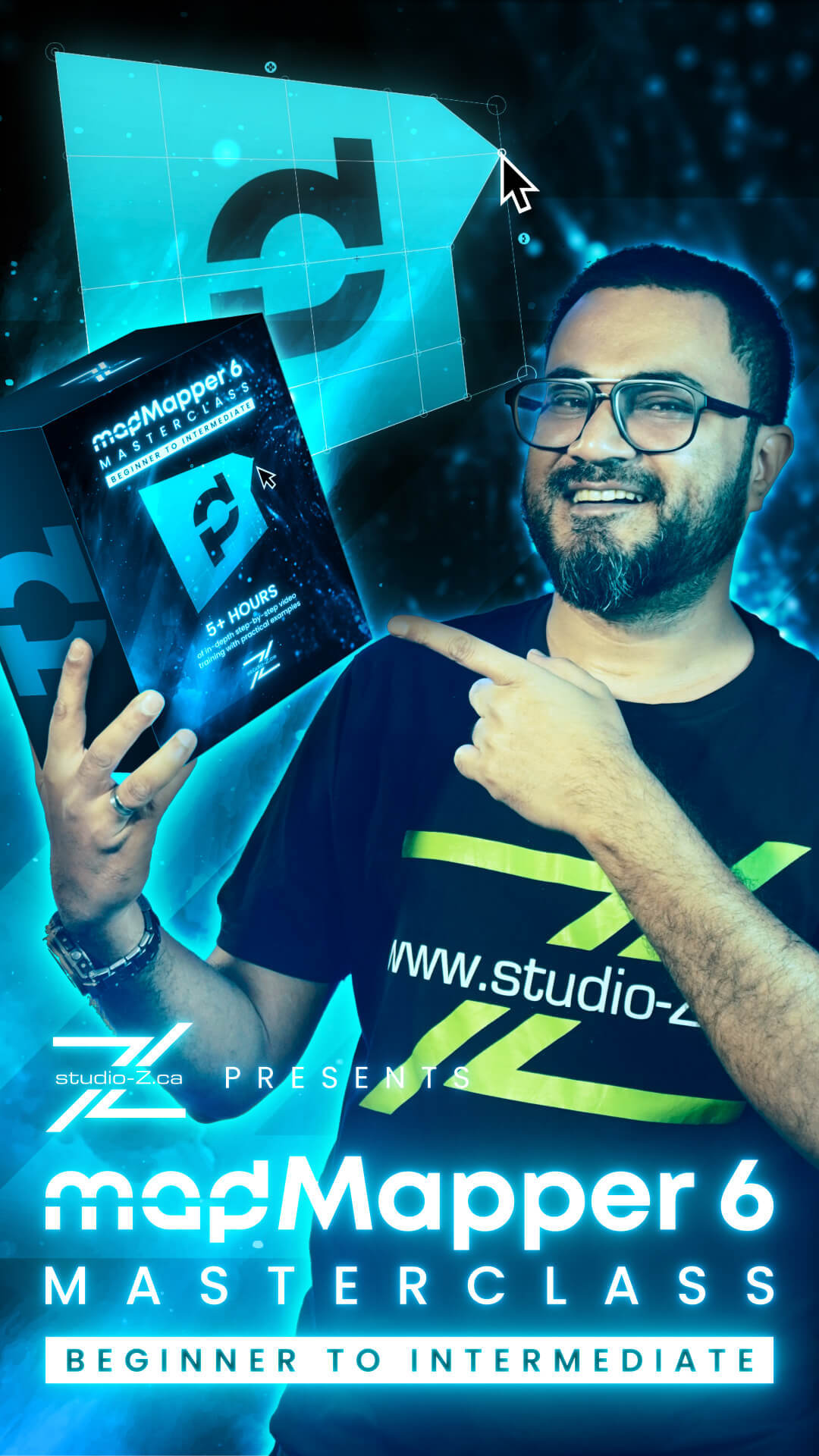
The MadMapper 6 Masterclass — Beginner to Intermediate is a self-paced online video course. 22 chapters. Just over 5 hours of video. Practical tasks and downloadable example projects throughout. No prior experience needed.
The course moves through four clear phases:
Mapping fundamentals, hardware requirements, installing and licensing MadMapper 6, and a full interface walkthrough. You understand the whole picture before anything gets complicated.
Output panel, surfaces and lines, media and content, a full 22-minute hands-on basic mapping workflow, advanced geometry with masks and groups, and the MadMapper material library.
Multi-projector setup, soft-edge blending, scenes, cues and timeline basics, MIDI, OSC, DMX and audio controls, Resolume integration, NDI workflow, and camera inputs.
Space Scanner, LED display processor mapping, basic DMX lighting, basic laser mapping, Timeline Level 2 (nearly a full hour), troubleshooting and optimization, and what’s next.
Full chapter breakdown:
What Makes This Different From Tutorials
Tutorials teach you moments. They show you one technique, one feature, one fix. They’re useful — I’ve pointed students to them many times. But there’s a real difference between learning a tool by accumulating clips and actually understanding how the whole pipeline connects.
What I value most about this course is that every tool is taught in context — not as an isolated feature, but as part of a workflow that builds toward a real deliverable. You’re not memorizing a panel. You’re learning a process. And that’s the kind of understanding that holds up under pressure on an actual show day.
The DMX, LED, and laser chapters are worth flagging specifically. Most mapping courses treat these as extras or skip them entirely. Here they’re part of the core curriculum — which is the right call, because in real production, projection, LED, DMX, and laser run together. If you can’t manage them all from one place, you’re working harder than you need to.
And Chapter 20 — Timeline Level 2 — is nearly a full hour on its own. That’s where a lot of mappers plateau: moving from improvised clip triggering to structured, repeatable, cue-driven show programming. Getting a dedicated hour on it, after you’ve already built everything leading up to it, is exactly the right sequence.
What Students Said
Newly released, already holding a perfect 5.0 rating:
“As someone who just started freelancing in live events, this gave me the foundation I needed to say yes to projection mapping gigs with confidence. The final example walkthrough ties everything together really well.”
Emile Caron — Student“Good course overall. I successfully completed it. Everything was explained step by step in a clear and simple way.”
Raihan Islam — StudentFrequently Asked Questions
My Honest Take
I’m not here to oversell this. After 14 years with MadMapper and a few years teaching it to people at all levels, I know what good training looks like. The fragments approach — YouTube videos, forum threads, learning under pressure — works. But it always leaves gaps, and this course fills them in the right order.
If you’re starting from zero, this is a genuinely solid entry point. If you’ve been mapping for years but never had a structured run-through, you’ll probably find something useful you didn’t know you were missing. And if you’re moving to MadMapper 6 from an older version, this is the cleanest way to do it.
That’s all it is. A complete, well-built course for a tool that deserves one.
Beginner to Intermediate · 22 Chapters · 5h 12m · Tasks & Example Projects · Completion Certificate
$349 One-time payment · Lifetime Access · studio-z.ca View the Course →Instructor: Zunayed Sabbir Ahmed · Studio Z Inc. · Vancouver, Canada · shop@studio-z.ca
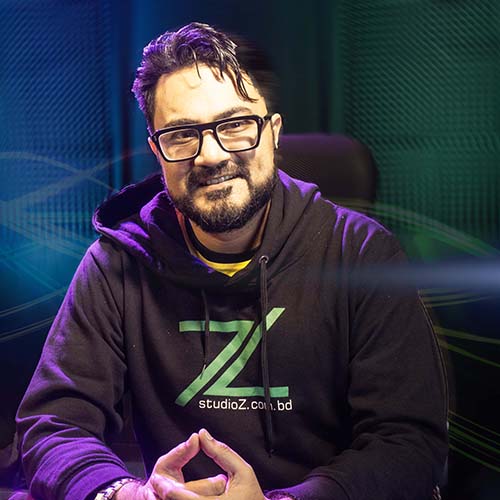
14+ years in audio-visual-lighting production. Pioneer of VJing and projection mapping in Bangladesh since 2013. 400+ local shows, 20+ international productions, permanent installations. Founder of Studio Z BD and Studio Z Canada. Specialization in Resolume and MadMapper training, with a global learning community built through workshops and online education. Recognized as HeavyM Ambassador in 2024. zunayed.com
